For AMEs
Review before the appointment
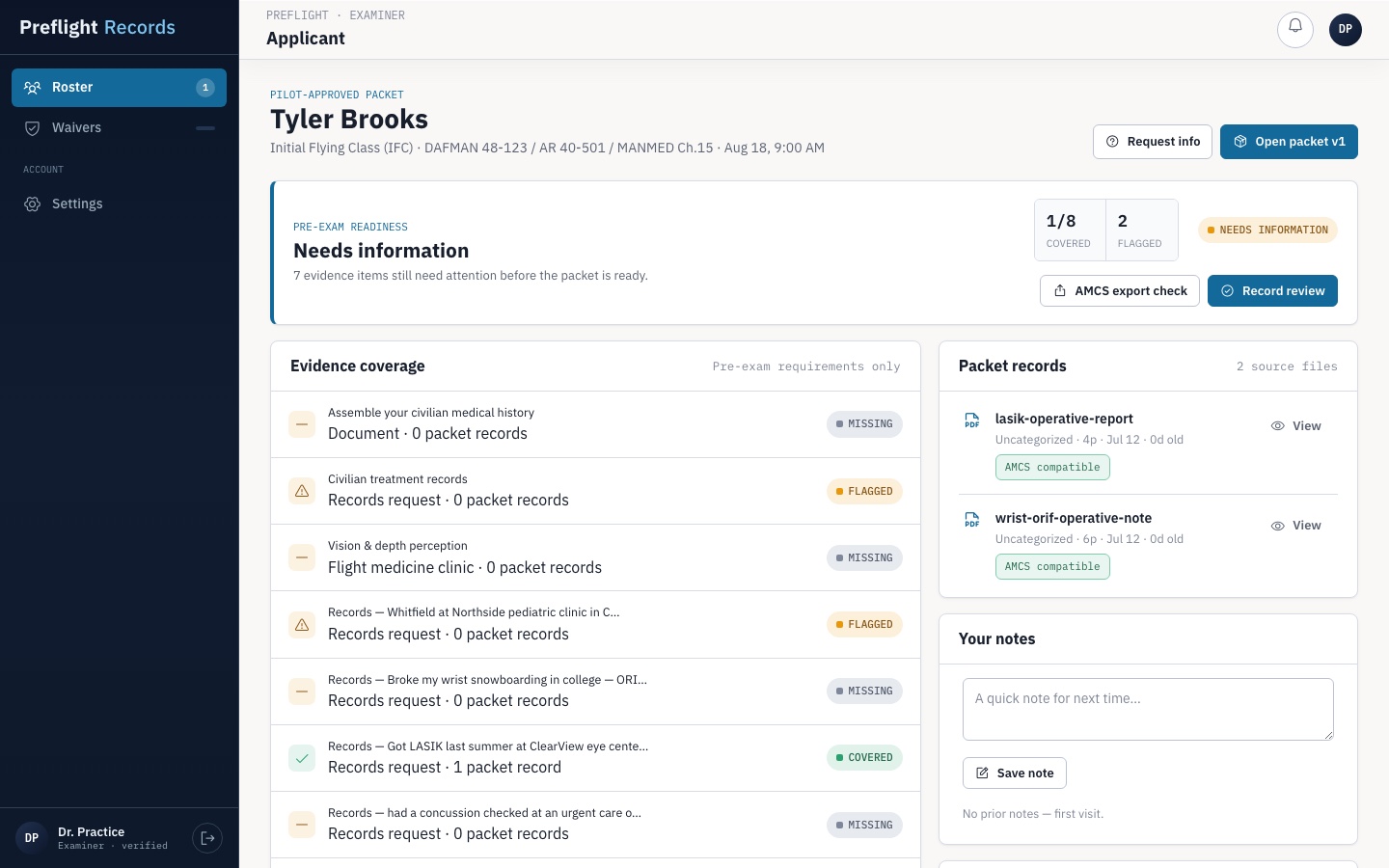
See the exact packet, evidence gaps, appointment date, and version history in one pre-visit queue.
- Request missing information early
- Review as a verified practice team
- Prepare files for AMCS
Review one pilot-approved packet, request missing evidence, and prepare the source files your practice will upload in AMCS.
AMEs review pilot-approved packets before appointments. Medical records staff can verify authorization and send requested files without creating an account.
See the exact packet, evidence gaps, appointment date, and version history in one pre-visit queue.
Enter the code on the coversheet to verify the patient's authorization and see exactly which records are needed.
AME packet review and medical records submission remain separate, scoped workflows.
Preflight organizes the handoff. Your practice keeps clinical judgment and official FAA work in its existing workflow.
The pilot grants an existing AME or sends the practice a one-time claim link and separate code.
Review evidence coverage, source-file dates, and packet changes. Send a dated request when something is missing.
Check file count, type, and size; then download the source files for the official AMCS upload.
Enter the coversheet code to confirm the patient, date range, and requested files before uploading anything. No account is required.
Review the patient identifiers, authorization dates, and requested records.
Upload the requested records or indicate why they cannot be provided.
Receive a confirmation number as soon as the submission is recorded.
Track review time, missing-information follow-up, and packet readiness across your provider queue before each appointment.
Create AME account